USB Storage
This menu option allows enabling or disabling the OVOC server’s USB storage access as required.
| ➢ | To enable USB storage: |
| 1. | From the Security menu, choose USB Storage, and then press Enter. |
USB Storage
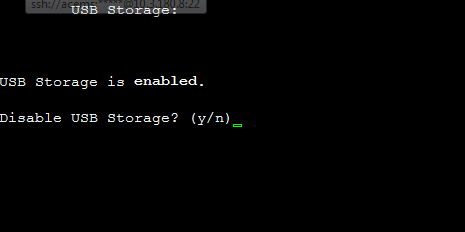
| 2. | Enable or disable USB storage as required. |